
Login at Platzino in three steps
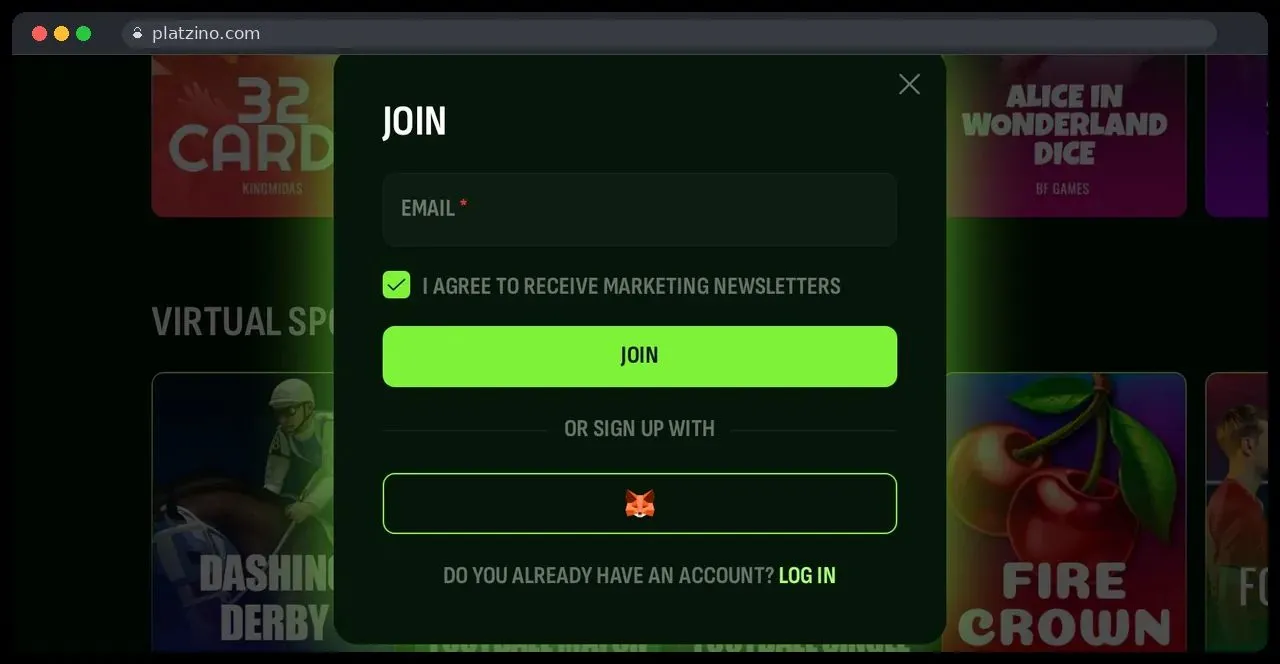
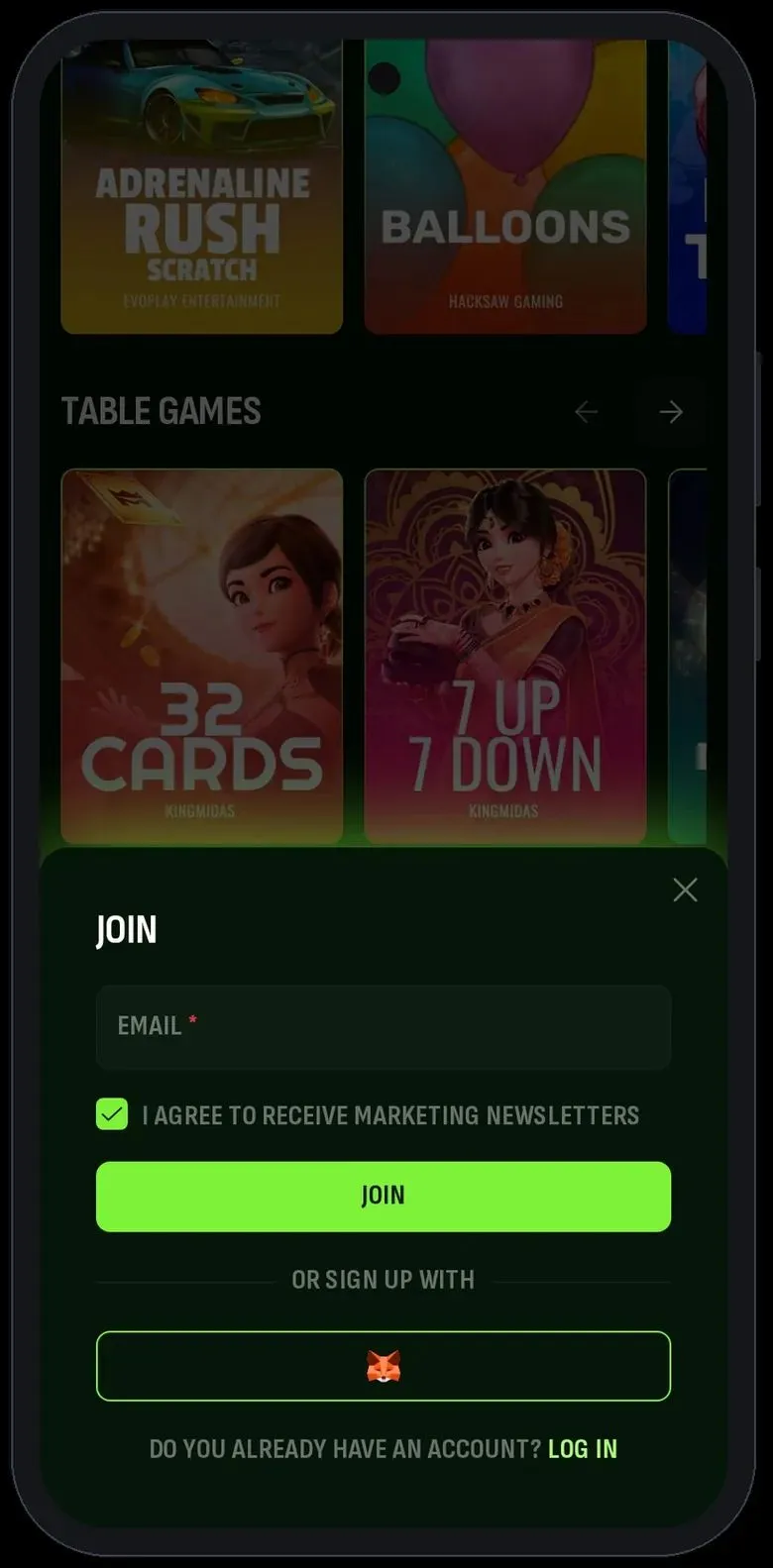
Signing in to Platzino takes seconds: click Log in, enter the email and password you registered with, and confirm. Your account, balance and any active offers load straight away on desktop or mobile.
Here is the full sequence so nothing trips you up:
- Open the Platzino site and select the Log in button at the top of the page.
- Type the email address tied to your account.
- Enter your password exactly as you set it — it is case sensitive.
- Confirm, and the session opens on your account dashboard.
Already deposited once? Your lobby, game history and balance in EUR are exactly where you left them. If the button does nothing, a stale browser cache is usually the cause — more on that below.
Keeping your account secure at login
A strong login habit protects both your balance and your withdrawals. Choose a password that is long and unique to Platzino, never reused from your email or banking, and avoid obvious words or dates.
Treat your sign-in details as private. We will never ask you to share your full password over chat or email, so any such request is a red flag. Log out when you finish on a shared or public device, and lock your phone if the app stays signed in. For the wider picture on how we protect accounts, see Platzino account security, and the identity steps that follow your first withdrawal are explained under Platzino verification.
Password reset for your Platzino account without the guesswork
A forgotten password is the single most common reason people cannot get in, and the fix is quick. Use the Forgot password link on the login form rather than guessing repeatedly, since repeated failed attempts can lock the form temporarily.
How the reset works
- Click Forgot password under the login fields.
- Enter the email registered to your Platzino account.
- Open the reset message in your inbox and follow the link.
- Set a new password and sign in with it.
If the email does not arrive
Check your spam and promotions folders first. Confirm you typed the same address you used at sign-up — a second, mistyped email will never receive the link. Give it a few minutes before requesting a fresh message, as duplicate requests can invalidate the earlier link.
What you can do right after logging in
Once you are in, your full account is ready. You can top up from a minimum deposit of just €15, with the methods and timing covered on Platzino payments. All balances and wagering are handled in EUR.
From the lobby you reach thousands of titles from studios such as Pragmatic Play, Hacksaw Gaming, Play'n GO, Bgaming and Nolimit City, plus live tables from Evolution and Ezugi. Our current welcome package of up to €750 and weekly cashback are claimed from your signed-in account — the full terms sit on Platzino bonuses.
First withdrawal and verification
Your first withdrawal request triggers an Identity Verification check, which we aim to process within 48 hours. Logging in and completing these details early means payouts are not held up when you cash out.
